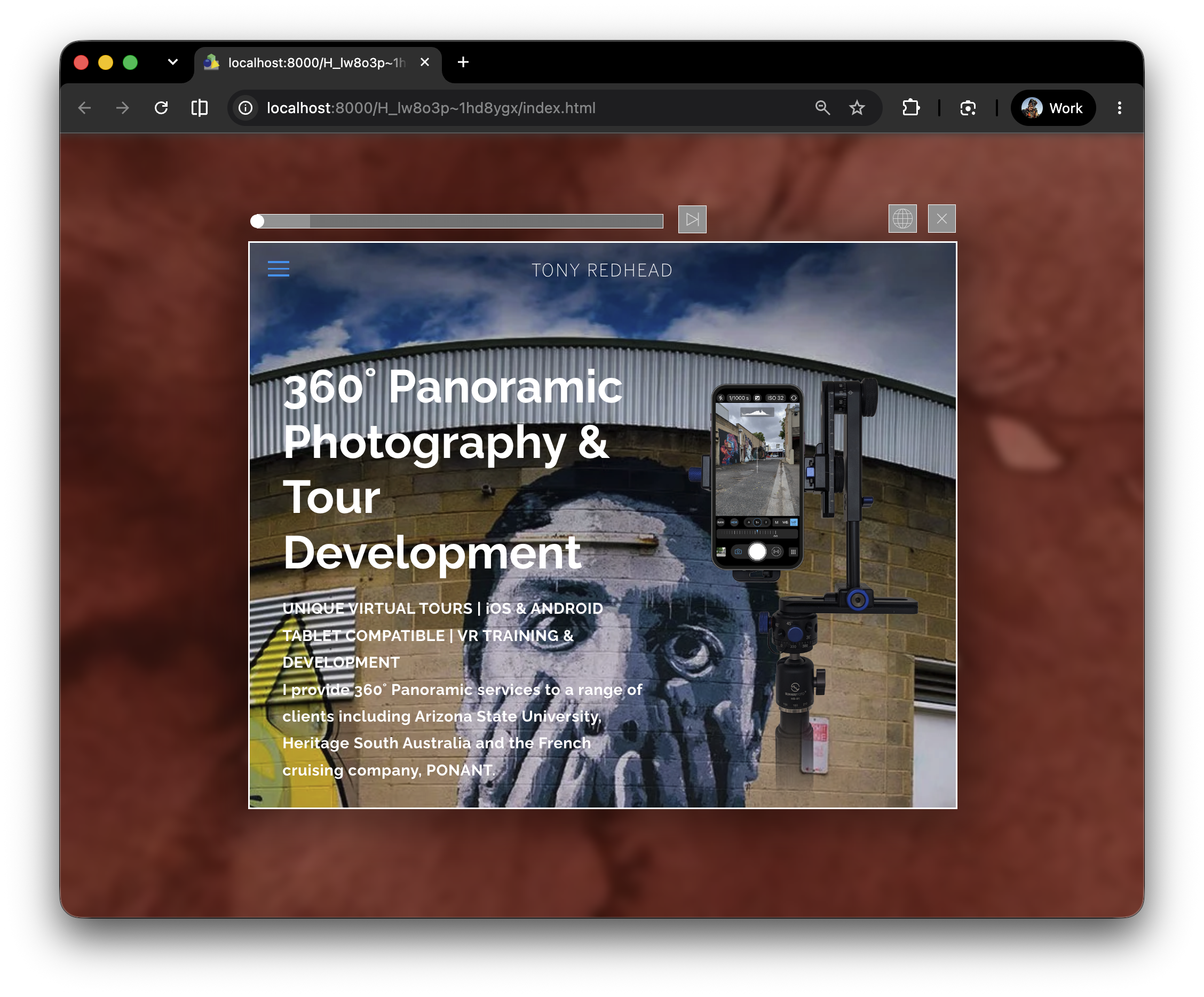
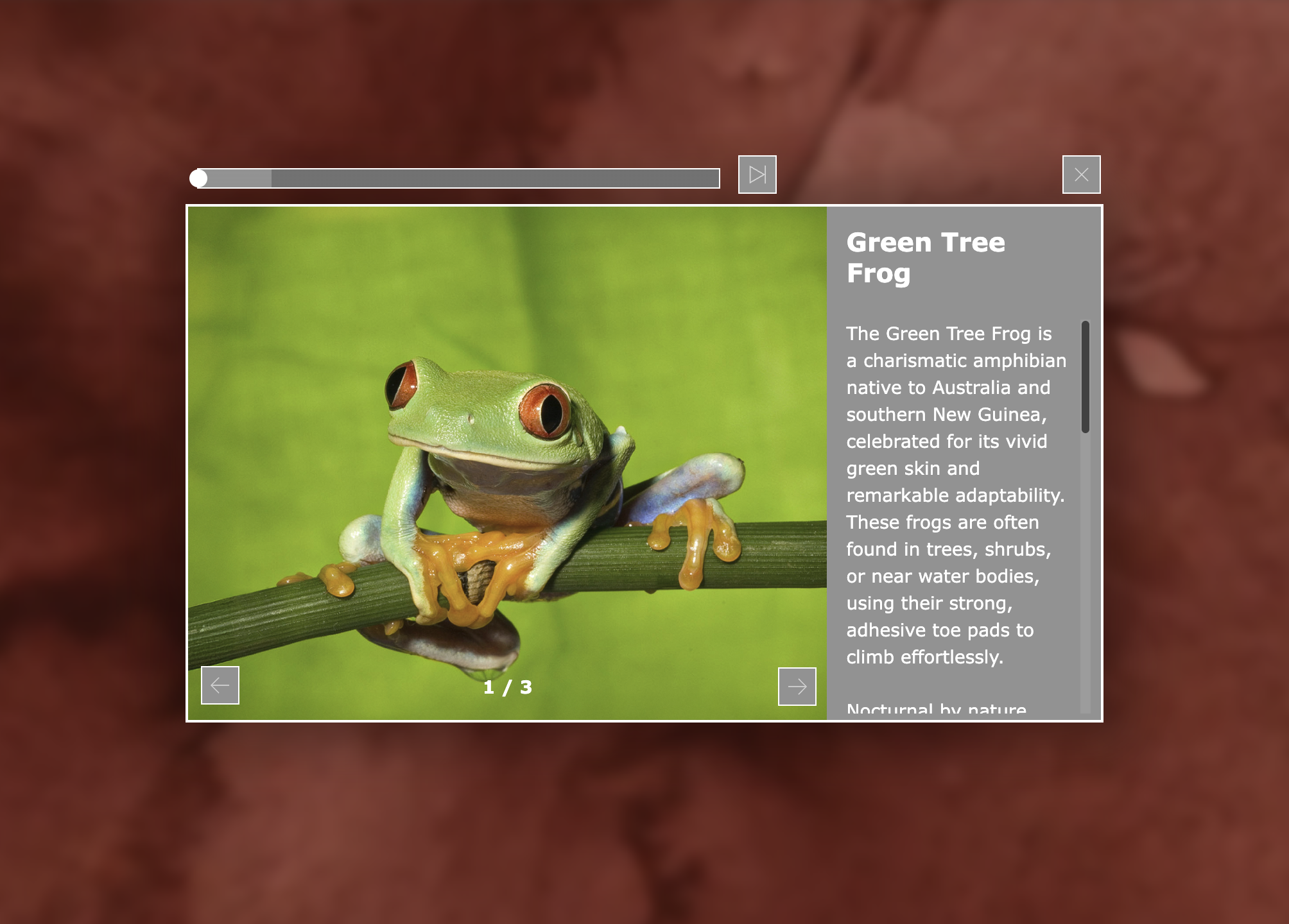
Introducing MSG - Modular Sidebar Gallery Component
1. Installing the MSG Component
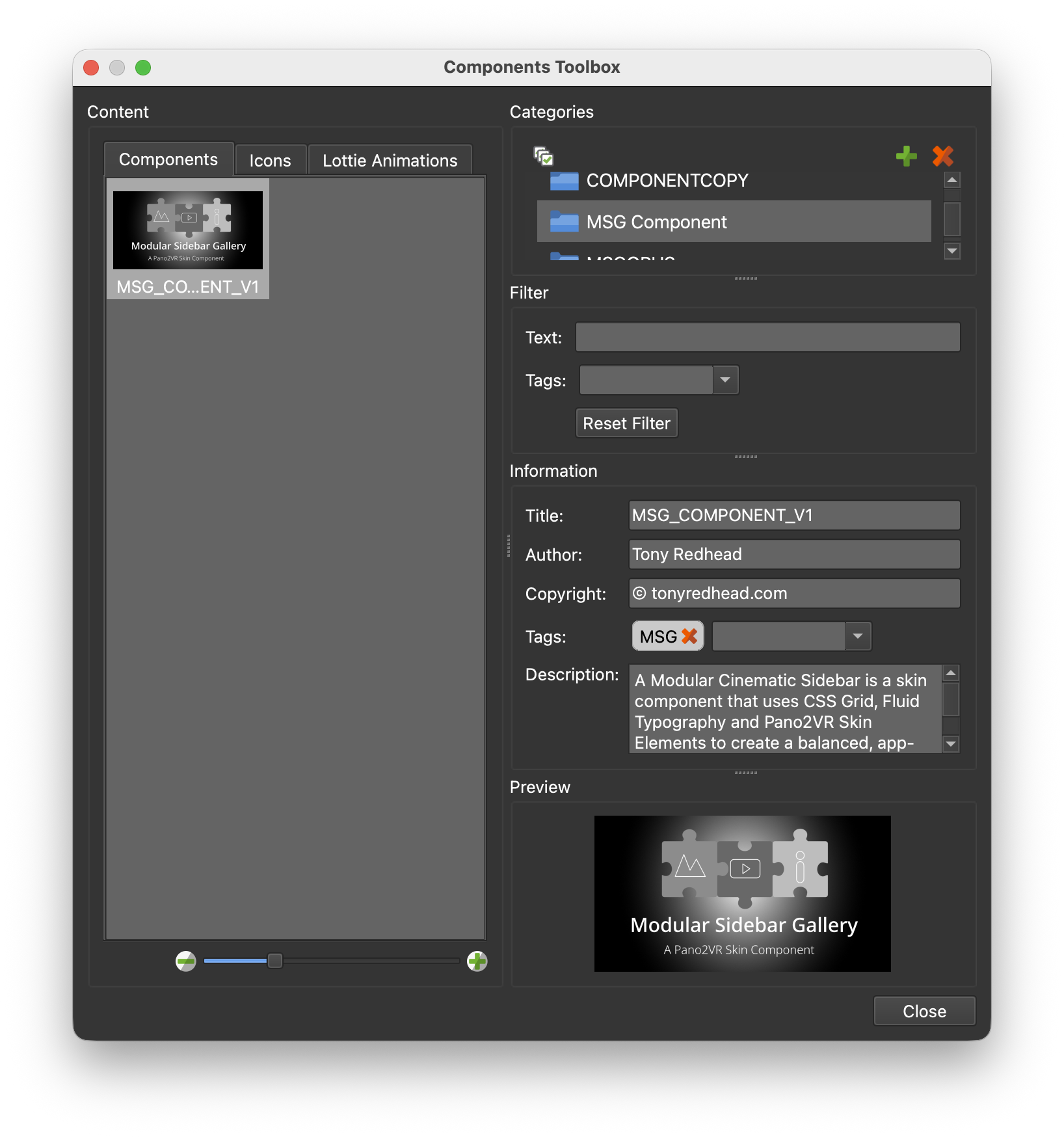
When incorporating the Modular Sidebar Gallery into a new Pano2VR virtual tour project or when updating an existing project to the MSG Component is the best starting point.
This tutorial will take you step by step through the process of installing the component, creating your first Gallery project with multiple images, text and audio in multiple languages.
2. Creating an Image Gallery
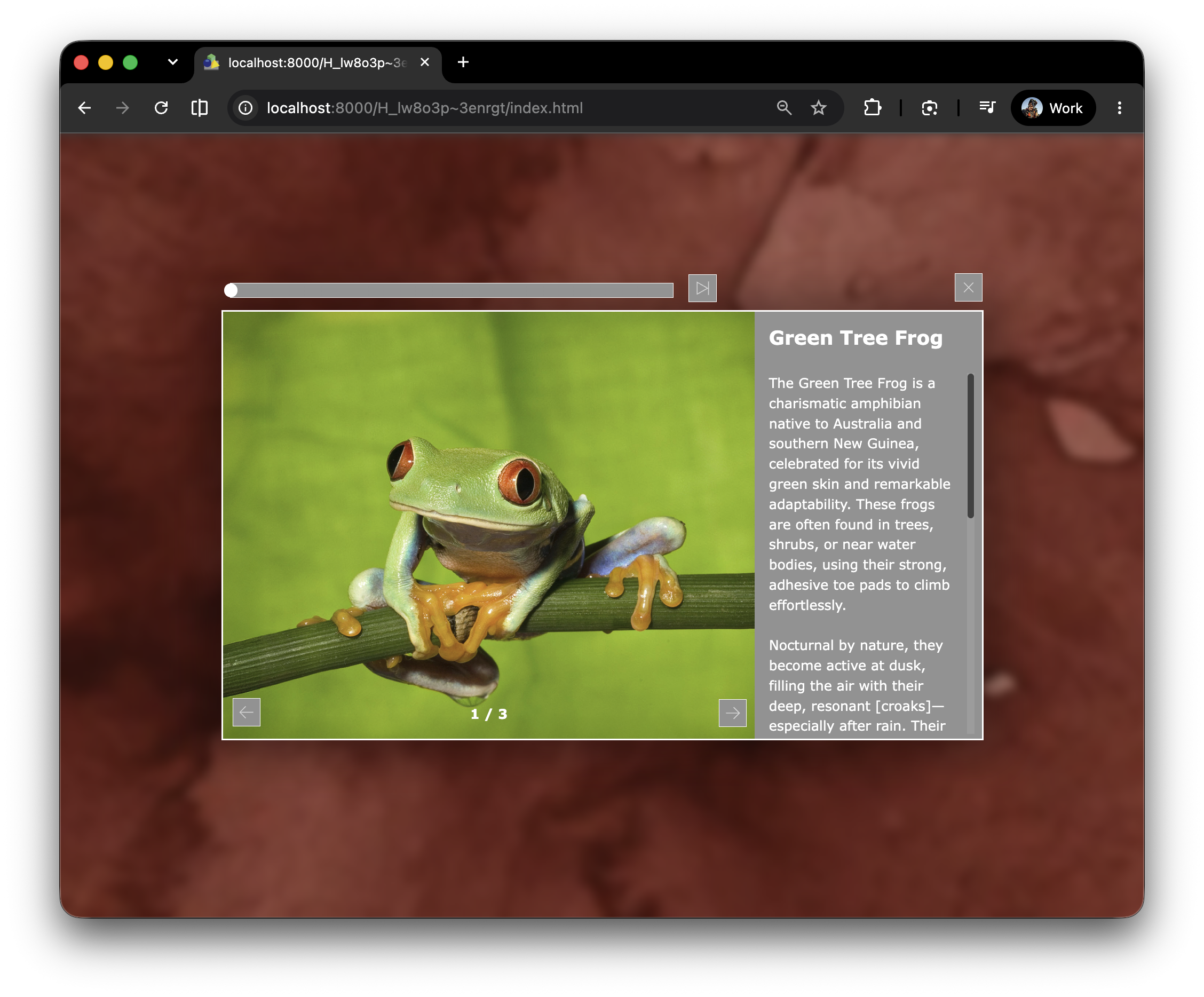
In this tutorial “Creating an Image Gallery” we will build and publish our first image gallery with multiple images, text and audio.
3. Alternate Images/Formats
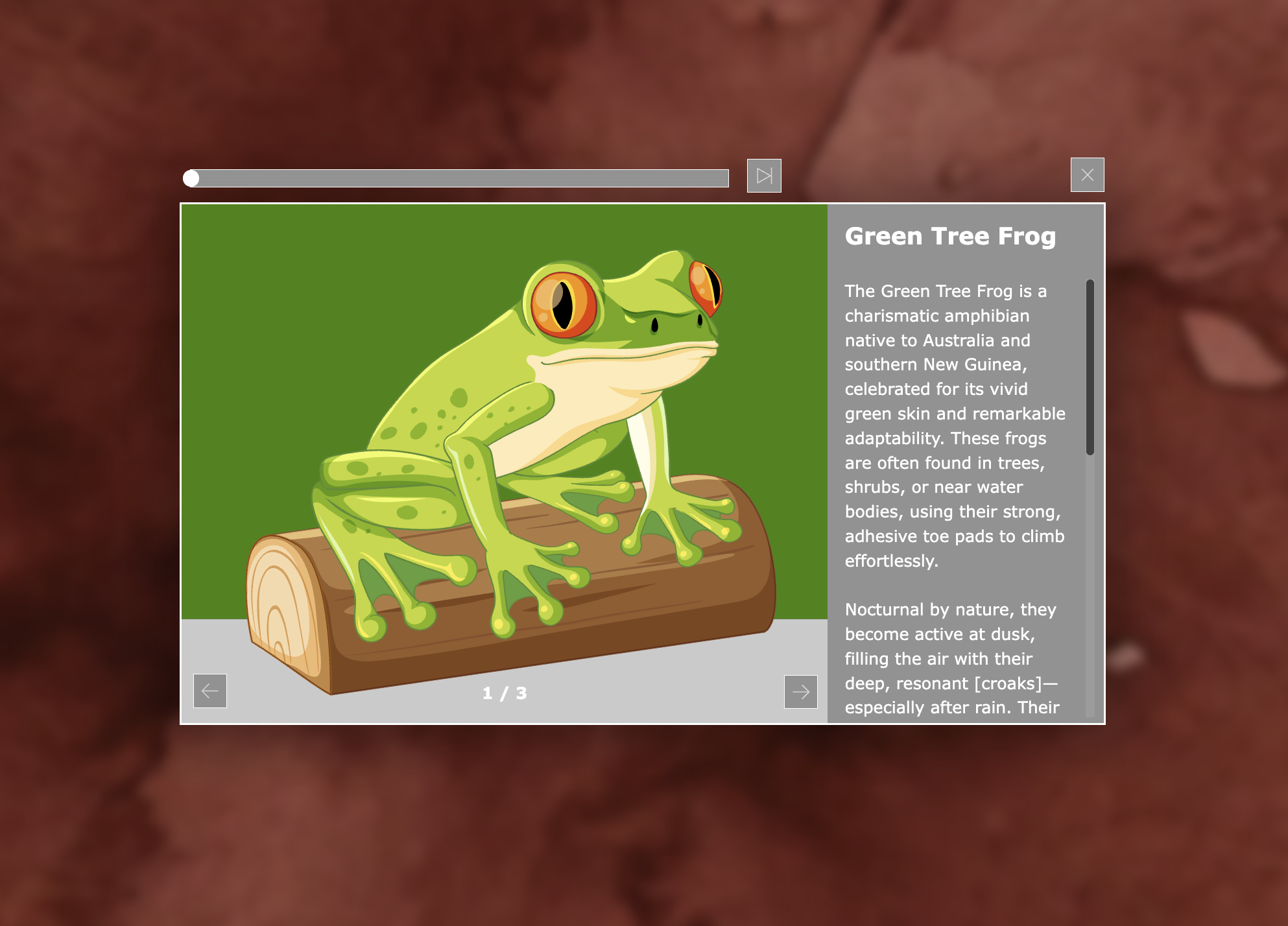
In the “Creating an Image Gallery” tutorial all of the image files were the same aspect ratio and same file type, .png. In this tutorial we will replace two of the images with ones that have different file formats (.jpg and .svg) and one that is in a different aspect ratio (portrait).
4. Multiple Languages
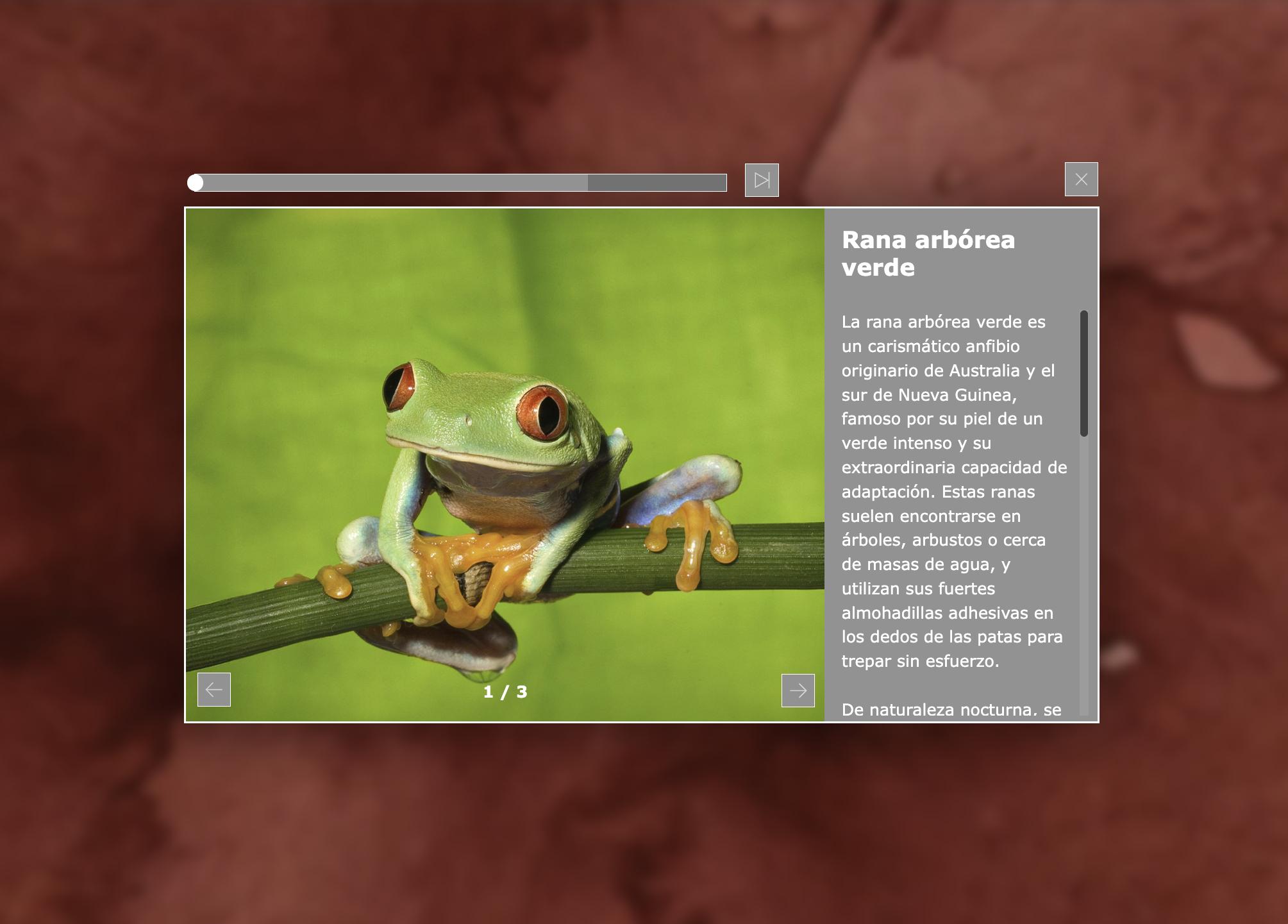
Now that we have explored the options within a working gallery by adding different file formats and audio we can move on to Multilanguage support.
MSG already contains the logic to display different languages and to play mulitlingual audio based on the users choice but there are some additional modifications and setup needed.