Pano2VR provides a very comprehensive Skin Editor that allows a user to create unique interactive environments. However there may be occasions when you need to integrate external applications to extend the program and there are a number of ways to do so in Pano2VR.
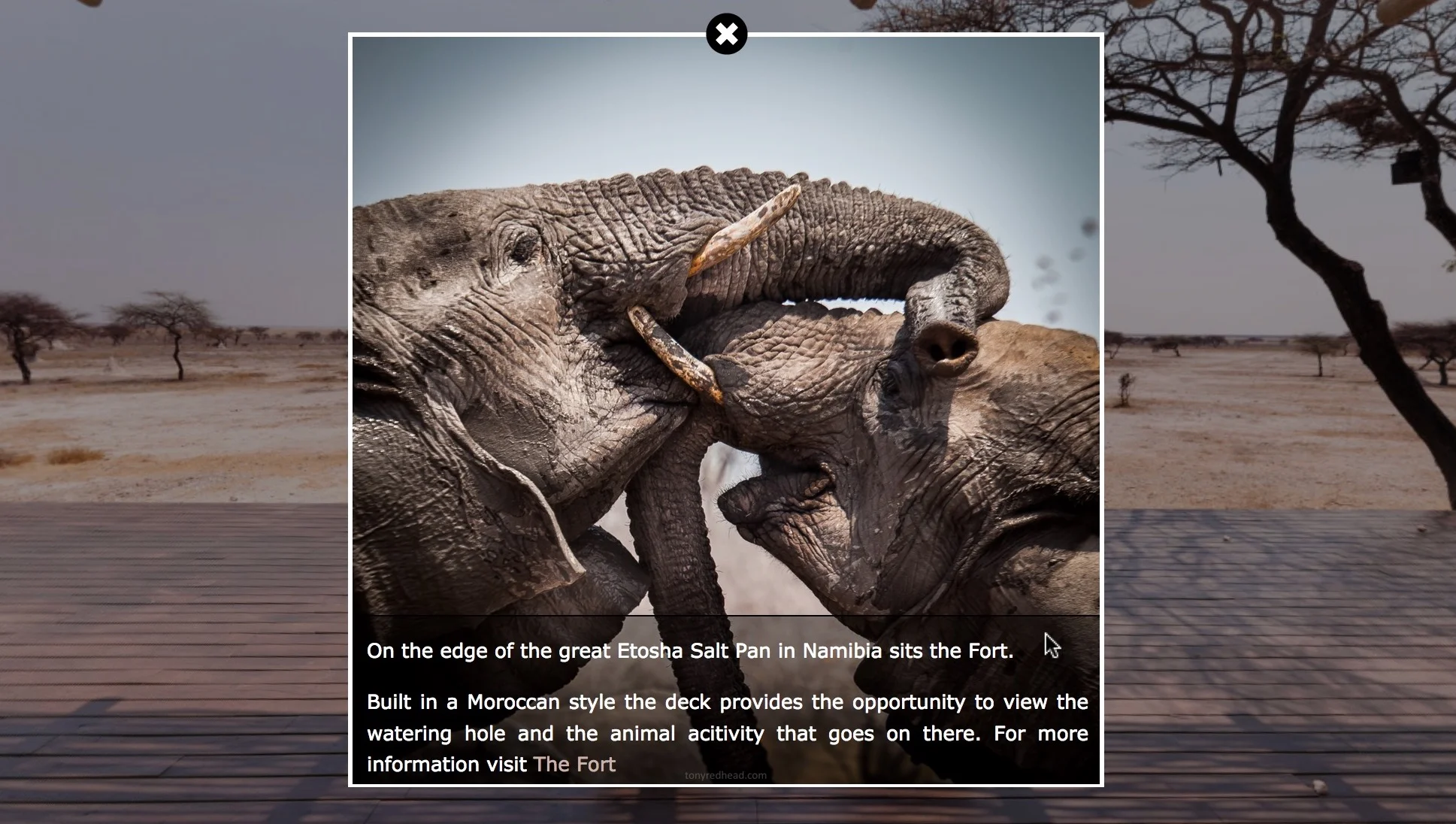
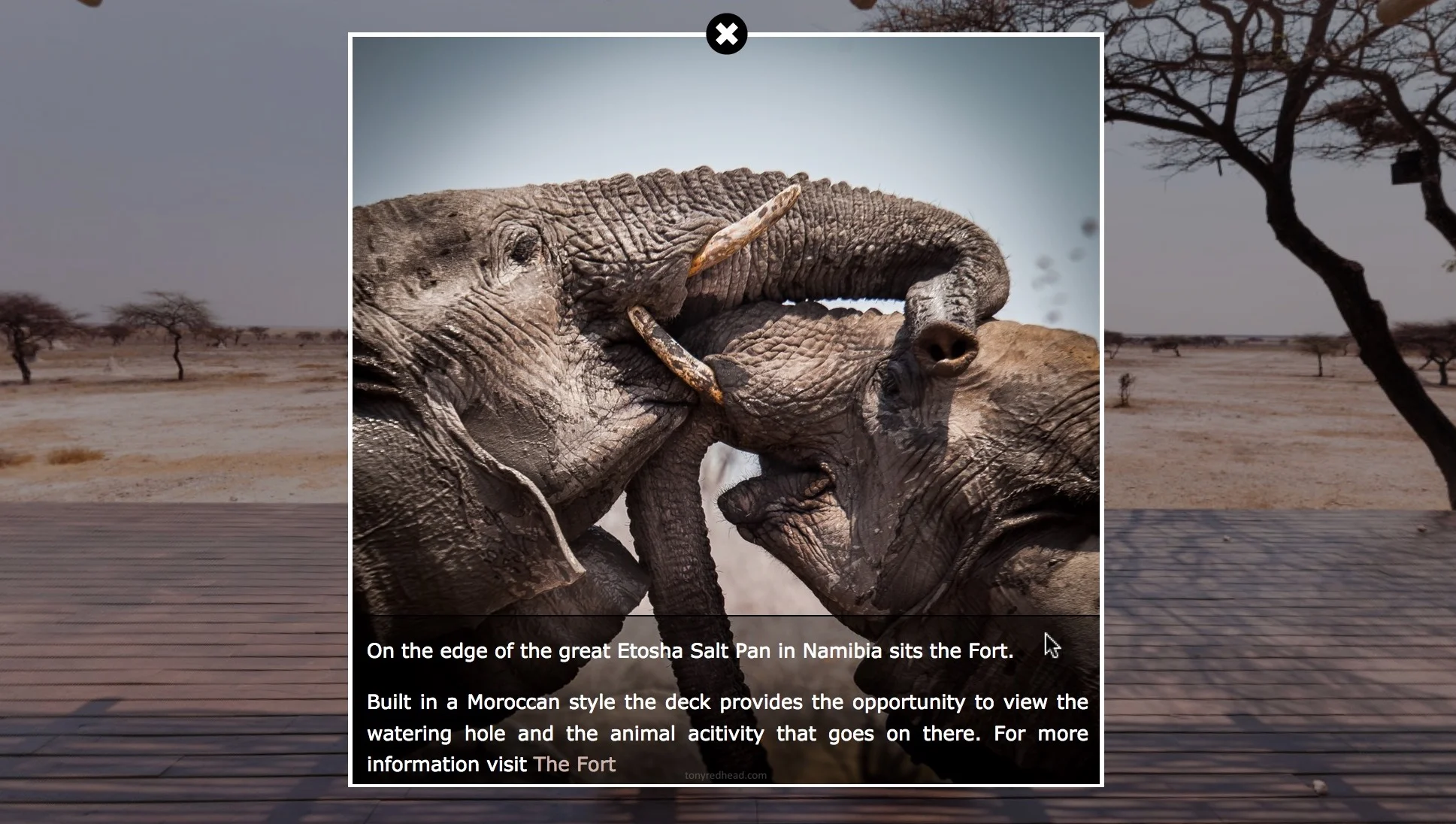
This tutorial show you how to create a point hotspot and integrate a third party image viewer application that opens an image that fills the current screen. Once the image has opened the user can then zoom in and out of the image and pan around it using a mouse or by touch on a mobile device.