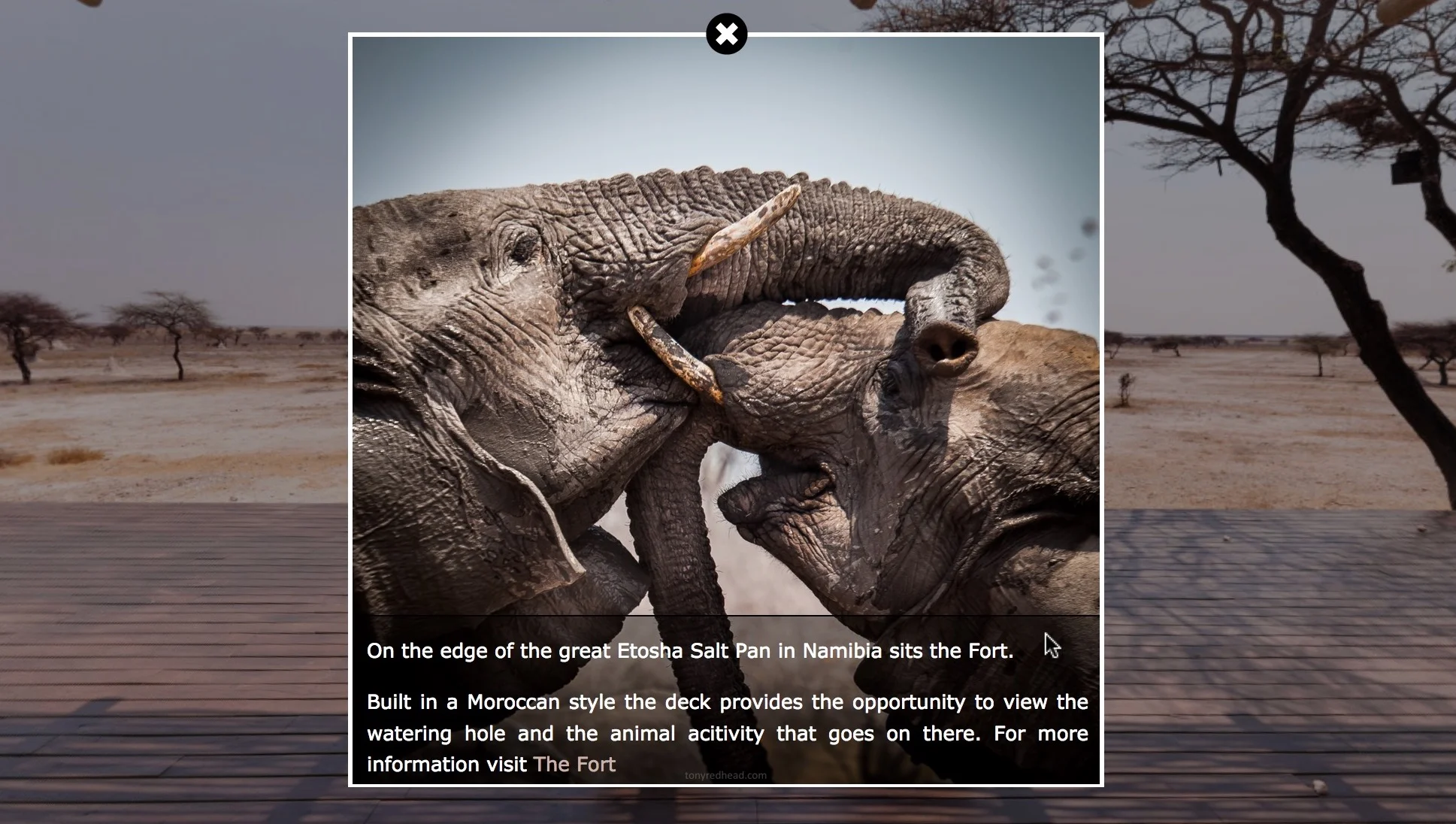
This, two part tutorial, shows how to create a project that contains an image viewer that can be opened via a hotspot. The image viewer zooms to fullscreen and displays an image that can be zoomed in to and out of and panned around using both mouse and touch.
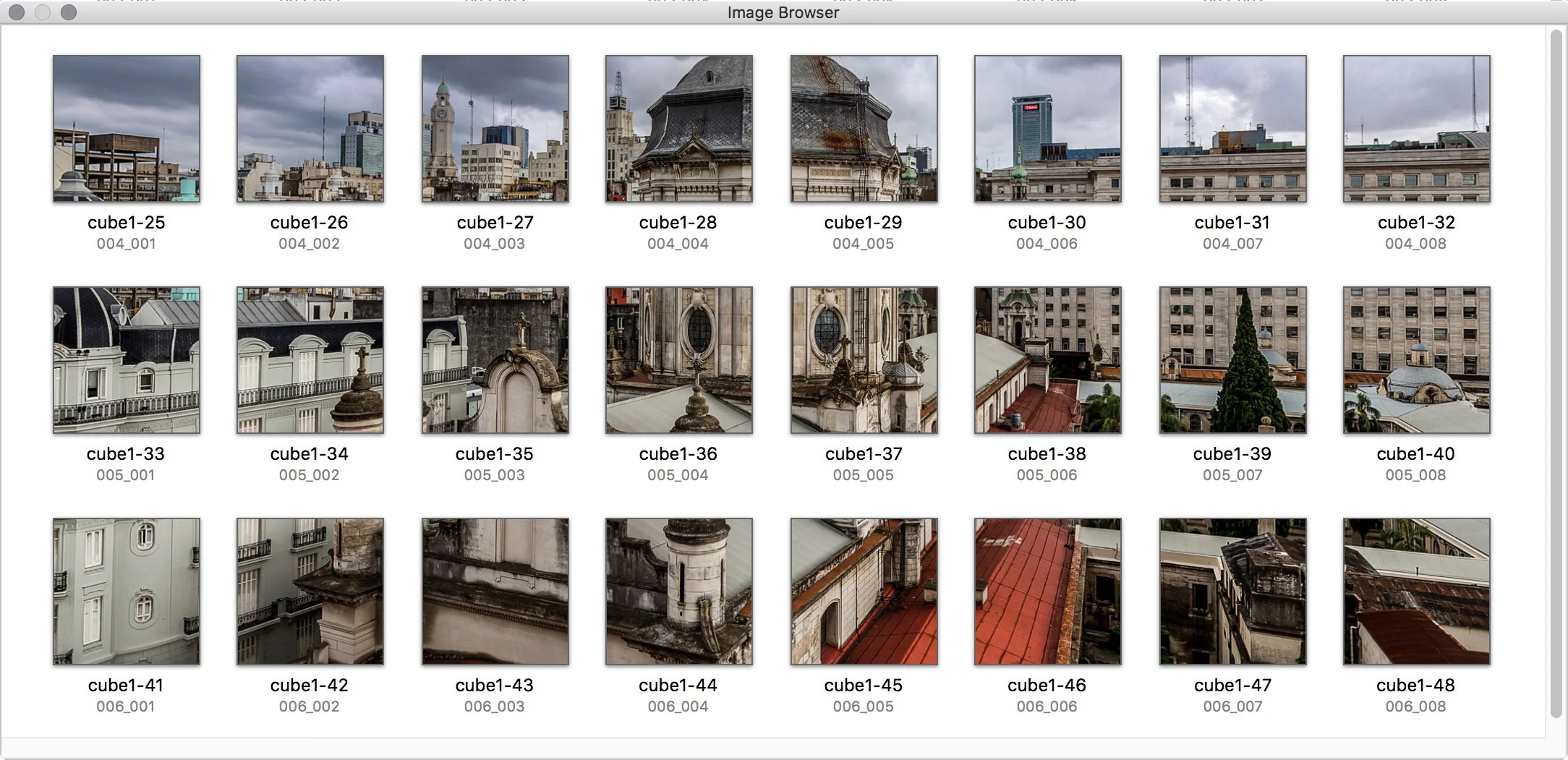
No external applications are required and the whole tutorial is built using the tools within Pano2VR. There is a downloadable ‘Tutorial Folder’ with sample equirectangular and flat images and a skin component to provide the zoom and pan tools for the image.
A shout-out to Jaroslav Pindora (P2VR Facebook User Group) solution to the hotspot image zoom and pan using just the tools within Pano2VR.